If you are already using OpenCode and want cleaner provider management, Cloudflare AI Gateway is a surprisingly practical middle layer. You get one OpenAI-compatible endpoint, centralised logs, routing options, and the chance to pay through Cloudflare with Unified Billing instead of juggling separate provider invoices.
I tested this setup end to end, including model discovery from inside OpenCode. The short version: it is easy to get running, helpful for teams, and especially good when you want governance without adding too much friction.
Why this pairing works
OpenCode is already strong at the workflow level: quick model switching, practical coding ergonomics, and low setup friction. Cloudflare AI Gateway solves a different problem. It gives you a policy and observability layer between your app and upstream model vendors.
That means you can keep your developer UX in OpenCode, while adding platform controls in Cloudflare:
- central endpoint management
- usage analytics and request visibility
- credential abstraction (Unified Billing vs BYOK)
- dynamic routing options for cost and reliability
Image: OpenCode connect-provider modal showing Cloudflare options.
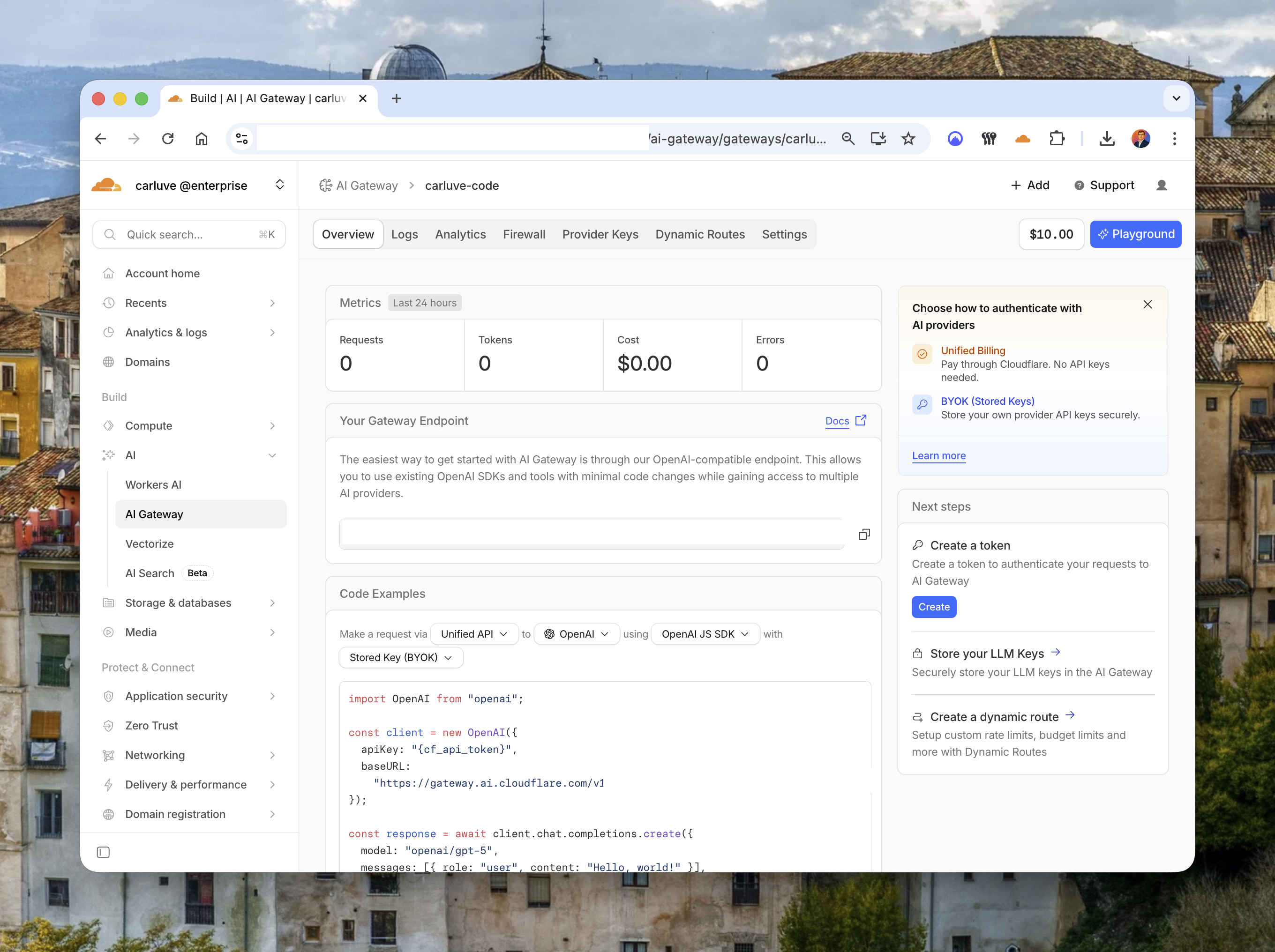
From a developer perspective, this is one of the best parts: OpenCode still feels like OpenCode. You are not forced to rewrite your toolchain, only your model endpoint and auth path.
Unified Billing vs BYOK (and when to choose each)
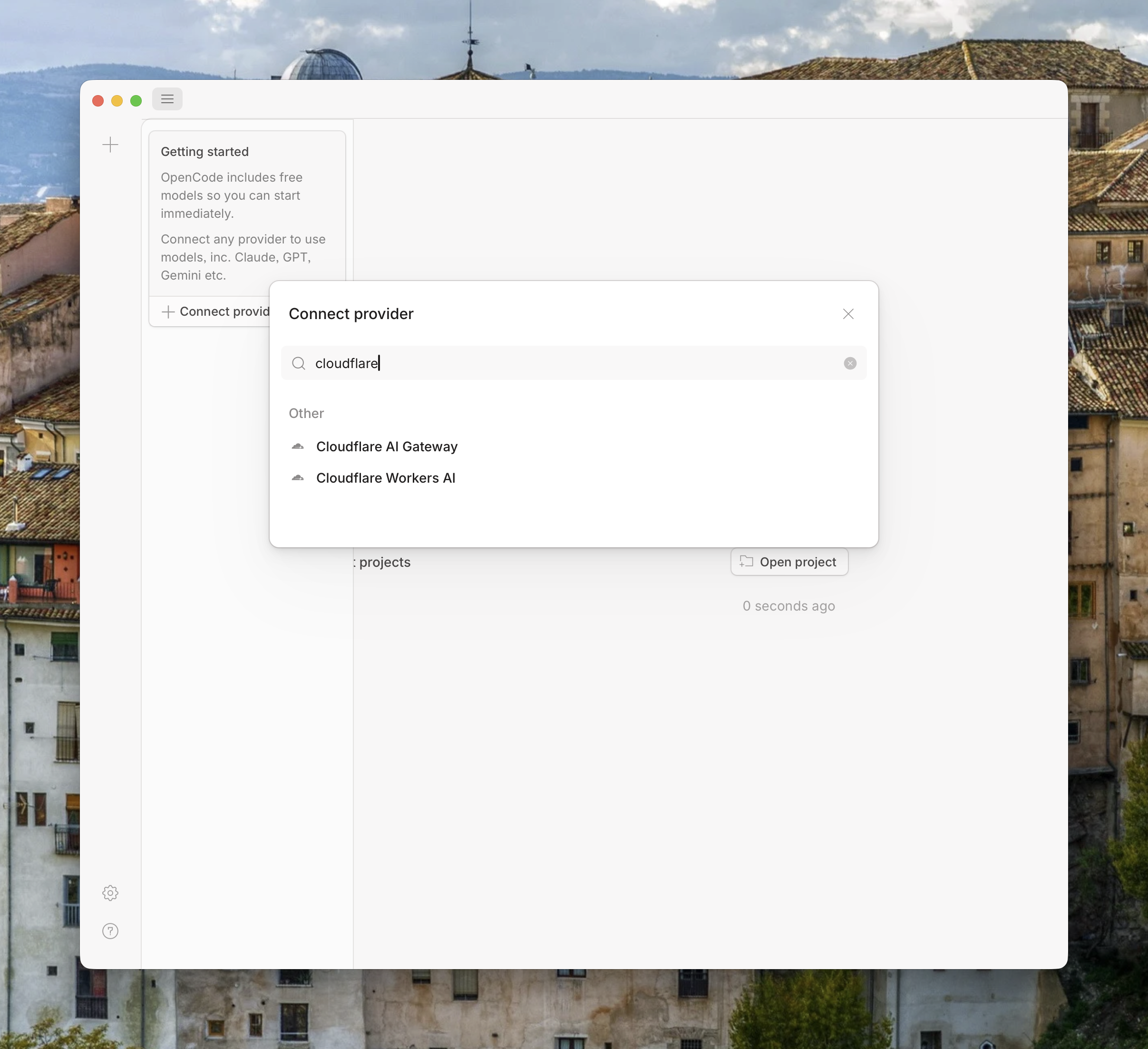
Cloudflare gives you two authentication and charging patterns:
- Unified Billing: you pay Cloudflare directly for routed model usage.
- BYOK (Bring Your Own Key): you store upstream provider keys in Gateway and continue billing with those vendors.
In practice, Unified Billing is excellent for fast onboarding and simplified operations. Teams do not need to provision and rotate multiple vendor keys during the first setup. For pilots and internal tooling, this saves real time.
BYOK is often better when you already have enterprise contracts, committed discounts, or strict finance workflows with a provider like OpenAI or Anthropic.
My take: start with Unified Billing if you are optimising for speed and consistency. Move to BYOK when procurement or negotiated rates become the primary concern.
Image: Cloudflare AI Gateway overview highlighting Unified Billing and BYOK choices.
A minimal OpenCode + Gateway setup
The basic flow is straightforward:
- Create a gateway in Cloudflare AI Gateway.
- Choose Unified Billing (or BYOK).
- Generate a Cloudflare token with the required permissions.
- Point OpenCode to the Gateway OpenAI-compatible endpoint.
- Validate model listing and run a test prompt.
Example with the OpenAI SDK style client:
import OpenAI from "openai";

const client = new OpenAI({
  apiKey: process.env.CLOUDFLARE_API_TOKEN,
  baseURL: "https://gateway.ai.cloudflare.com/v1/<account-id>/<gateway-name>/openai",
});

const response = await client.chat.completions.create({
  model: "openai/gpt-5",
  messages: [
    { role: "system", content: "You are a helpful coding assistant." },
    { role: "user", content: "Explain the trade-offs of edge inference routing." }
  ],
});

console.log(response.choices[0]?.message?.content);
If your tooling already supports OpenAI-compatible APIs, migration effort is usually low. That includes many CLIs and internal services beyond OpenCode.
For local development, I recommend keeping credentials in environment variables:
export CLOUDFLARE_API_TOKEN="cf_xxx"
export AI_GATEWAY_BASE_URL="https://gateway.ai.cloudflare.com/v1/<account-id>/<gateway-name>/openai"
Then inject those variables into your OpenCode profile or runner config depending on your setup.
What changes in day-to-day development
Once connected, the biggest practical improvement is visibility. Instead of treating model calls as a black box, you can inspect request volume, token trends, errors, and costs from one place.
That has second-order effects:
- debugging gets faster when failures are centralised
- model experimentation becomes more measurable
- cost conversations with product teams become less subjective
Inside OpenCode, model selection can include models routed through Cloudflare Gateway, which keeps context switching low.
Image: OpenCode model picker listing Cloudflare Gateway models.
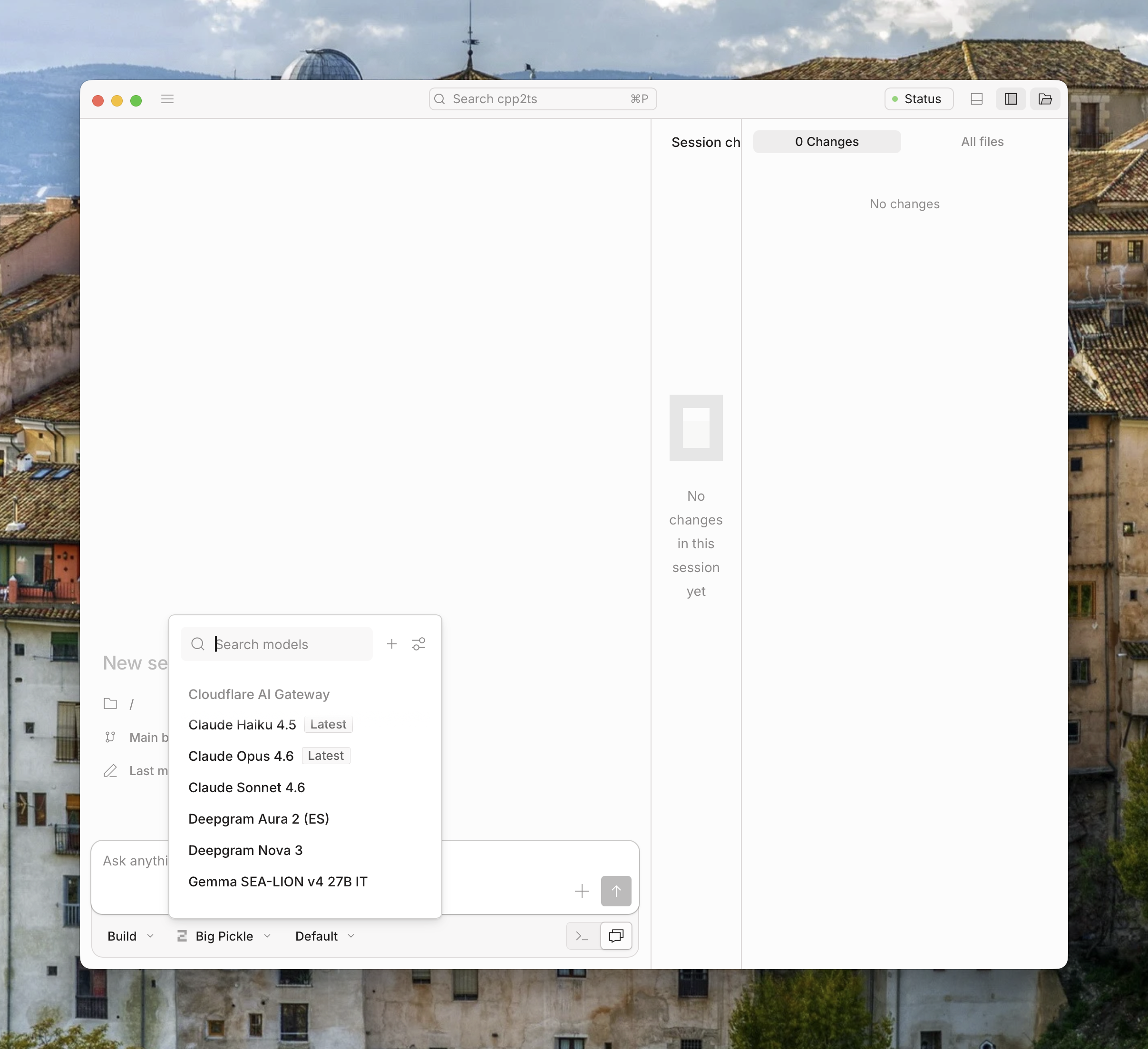
This is where the setup feels mature: developers keep velocity, while platform and finance teams gain better control.
Trade-offs to consider before rolling out
This architecture is not free of compromise, and it is better to be explicit:
- Extra hop: adding a gateway can introduce minor latency in some paths.
- Platform coupling: you depend more on Cloudflare primitives and policies.
- Feature parity nuance: some provider-specific capabilities can lag behind direct API usage.
- Operational policy overhead: governance is useful, but it still needs ownership.
In my experience, these trade-offs are acceptable for most product teams, especially when consistency and observability are priorities. For highly specialised model features, direct provider APIs may still be the better path for selected workloads.
Why this matters
The tooling landscape is shifting from single-model integrations to multi-model, policy-aware architectures. Developers now need to balance speed, cost, governance, and reliability at the same time.
OpenCode plus Cloudflare Gateway is a practical way to move in that direction without over-engineering from day one. You can keep shipping, while creating a cleaner control plane for model traffic.
For small teams, Unified Billing removes early operational noise. For larger teams, Gateway introduces a useful boundary for standards, auditing, and spend control.
Final thoughts
I like this setup because it is incremental. You do not need to redesign your entire stack to get meaningful wins. Start with one gateway, one token policy, and one OpenCode workflow. Measure the impact, then expand.
If your goal is to make AI usage more predictable across teams, this is a solid architecture to pilot. It is not the only way to do it, but it strikes a good balance between developer ergonomics and operational discipline.
For most developer teams building real products, that balance is exactly what you want.